Aiforseniorsclub

A method built around repetition and plain words

Classes at Aiforseniorsclub follow the same shape every time, so you are not guessing what happens next. We teach one idea, show it twice, then wait while you do it on the device you brought. Groups stay at six people. The pace is set by the slowest hand in the room.

Notes go out in 18-point type. There is no test and no ranking. If a week is missed, the recap at the start of the next session is the way back in. The method is the product. The software is only the example in front of us.

Method

How the room is run

Pace set by the slowest hand in the room

We do not move on because two people are ready. The third, fourth, and fifth people still get the same demonstration. Waiting is part of the design. If the whole group is blocked by one setting, we solve that setting before anything new appears. People who finish early help by writing the step in their own words, which becomes part of the recap.

One idea, shown twice

A new idea is shown on a large view, then shown again more slowly, with the tutor naming each tap. You then do it. A second idea waits until every person present has completed the first. This keeps the hour from turning into a tour of menus.

Plain words before technical ones

We say “the box where you type a question” before we say “chat assistant”. If a technical word is needed, it is explained in the same sentence. Jargon from product blogs stays outside the room. You should be able to repeat the step to a relative using the words from class.

Everything written down in 18-point type

Each session ends with a one-page recap. The type is 18 point, with generous spacing. Singapore addresses can receive a paper copy by post. The page uses the same phrases as the lesson, so home practice matches what you heard.

Mistakes are part of the lesson

A wrong tap is useful because the group can see how to undo it. We do not skip the undo. If the tool invents an answer, that invention becomes the example for the checking habit. Nobody is asked to perform. Camera-off is always allowed.

We teach the device you own

Bring the phone, tablet, or laptop you already use. Screens differ, so the tutor will match your layout rather than forcing a classroom device. If the machine is older than about six years, we will say on the orientation call whether it will struggle, and what a one-to-one hour could still cover.

The ninety minutes, minute by minute

Online and in-person groups use the same timing. One-to-one hours compress the same sequence.

Step 1

0–10 minutes · recap

Last week’s page is on screen. Each person repeats the same clicks. Anyone who missed a week copies from the page while the group waits. This block is never skipped to “save time”.

Step 2

10–30 minutes · new idea

One idea only. Shown twice. Questions during the demonstration are welcome. We write the phrases on the recap as we go, so the page is already half-built before you practise.

Step 3

30–55 minutes · you do it

You run the same steps on your own device. The tutor watches for stuck points and repeats a click for the whole group if two people hit the same wall. Silence is allowed. There is no need to narrate.

Step 4

55–75 minutes · questions from your own week

You may bring a message, a photo problem, or a form from home. We only work on it if it fits the idea of the day and if it does not require a password, a bank screen, or SingPass. If it belongs in a different programme, we say so.

Step 5

75–90 minutes · practice task and notes

We agree a fifteen-minute task to do twice before the next meeting. The recap is sent the same day. People who asked for paper receive a posted copy in Singapore.

Accessibility we build in

On-screen text in class is large. Our website uses 18-pixel body type as a minimum. Buttons are at least 48 pixels high. Contrast follows the dark ink on paper-grey you see here. You can enlarge the browser view further on your side.

Session recordings, when we make them, include captions. Speech in class is paced so a caption can keep up. You may leave the camera off. If a relative sits nearby to help with the mouse, that is your choice.

Paper notes in 18-point type can be posted to a Singapore address. Tell us on the orientation call if you want that from week 1. We also send the same page by email as a simple file you can print at home.

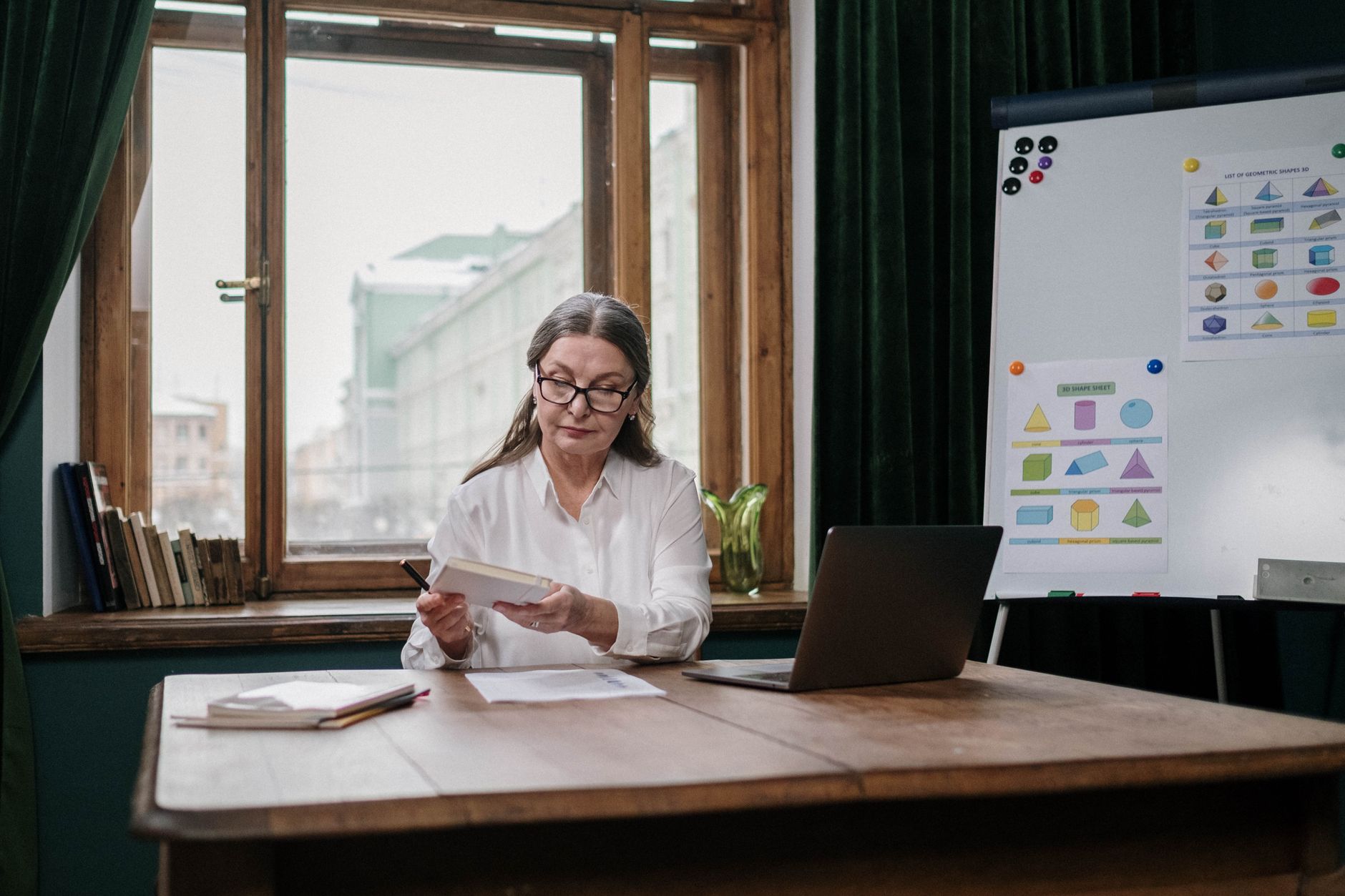
Learner reviewing written notes beside a laptop
Session notes

The limits we set for ourselves

We teach consumer AI tools as they appear on a phone or computer. We do not give medical, legal, or financial advice. If a question belongs to a clinic, a lawyer, or a bank, we will say that the class is the wrong place for it, and we will stop.

We do not set up someone else’s accounts on their behalf. You tap, you sign in, you keep the password. A relative may help you, with your permission. We will not take a login “to save time”.

We do not promise that an assistant is right. A fluent sentence can still be invented. Checking is part of every programme that uses a chat tool. When we cannot verify a fact in the room, we write “check this” on the recap.

We do not sell subscriptions to other companies, and we do not receive commission for recommending a tool. If a free version is enough for the task, we say so. If a paid plan would only benefit the vendor, we leave it.
Progress without tests

In week 1 you write two or three tasks you want to finish by week 6. Those tasks are the measure. There is no score, no ranking, and no certificate unless you ask for a letter of attendance.

On the last session we look at the list together. You show what you can now do on your own device. If a task is unfinished, we name whether another four weeks, a one-to-one hour, or stopping is the honest next step. The conversation is short and private if you prefer it that way.

Between weeks, the only request is a fifteen-minute practice, twice. If you cannot do it, tell us at the recap. We shorten the task. Progress is the list getting shorter, not a badge appearing on a screen.

Talk through the method on a free call